README
log_view
log_viewer is an ncurses text UI for viewing rosout logs.
Motivation
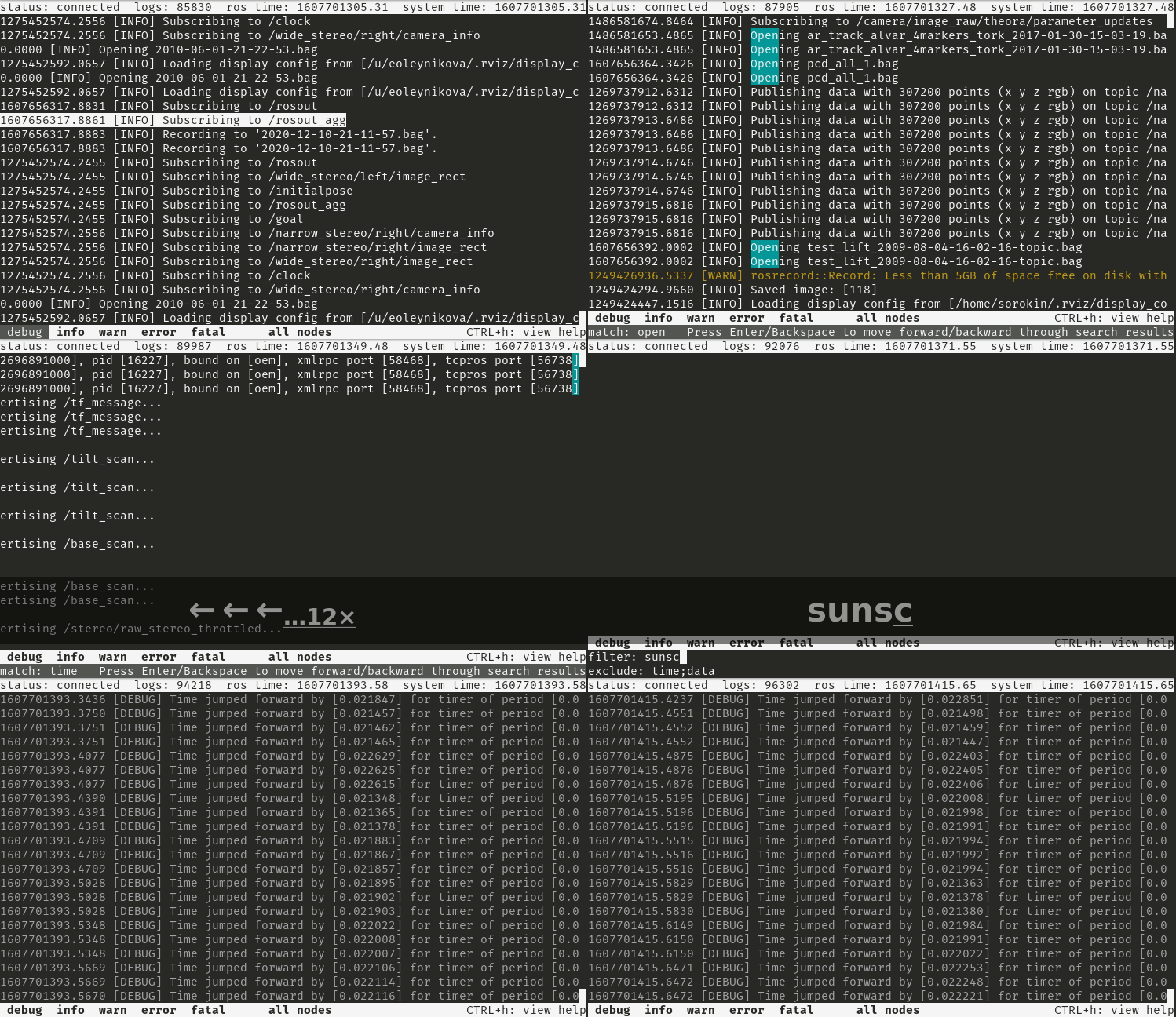
Receive, filter, and navigate through all published rosout log messages from within a terminal to support debugging a robot live.
Problem
Many rosout log messages don’t get printed to the terminal in the normal course when there are lots of nodes/messages. There is also not a convenient way to filter and navigate through them in real time.
swri_console provides most of the desired functionality very well, but is Qt based and requires a graphical interface.
Solution
log_viewer is very similar in concept and design to swri_console, but uses ncurses instead of Qt for the interface.
Log messages can be filtered based on:
log level
node
whitelist text filter
exclude text filter
log_viewer also supports text searches and jumping from match to match.
Log messages are copied to the clipboard by selecting them.
Like swri_console, log_viewer doesn’t need ROS to be running to start and will automatically connect/reconnect when it becomes available.
Log Persistence
log_viewer can optionally persist log messages to disk and reload them on startup. This is useful for preserving log history across sessions.
Log files are stored under <workspace>/.log_view/ as timestamped text files
(log_view_YYYYMMDD_HHMMSS.log), where <workspace> is derived from the COLCON_PREFIX_PATH
environment variable set when a ROS 2 workspace is sourced. This keeps logs isolated per
workspace. The format is human-readable and can be inspected with standard tools such as cat,
grep, and less.
Persistence is automatically disabled if COLCON_PREFIX_PATH is not set or does not point to
a valid directory.
Session boundaries are marked in the log with separator lines:
-------- Session Started At 2026-05-04 09:15:00 --------
-------- Recording Ended At 2026-05-04 09:47:23 --------
Log persistence is configured in the preferences panel (CTRL-k):
Setting |
Description |
|---|---|
Persist Logs to Disk |
Enable/disable saving and loading logs |
Log Rotate Size |
Start a new file after this size (1–100 MB) |
Max Total Log Size |
Delete oldest files to stay under this limit (10 MB–1 GB) |
Clearing the message history (CTRL-r) also deletes all persisted log files.
Keybindings
CTRL-c       Exit log viewer
CTRL-h       Show/hide help screen

Up Arrow     Scroll up
Down Arrow   Scroll down
Left Arrow   Scroll left
Right Arrow  Scroll right
Page Up      Scroll up a screen
Page Down    Scroll down a screen
Home         Scroll to first message
End          Scroll to last message and follow

Tab          Change focus to next input

F1           Show/hide debug level
F2           Show/hide info level
F3           Show/hide warning level
F4           Show/hide error level
F5           Show/hide fatal level
F7           Enable/disable node filter
CTRL-a       Select all log lines and copy to clipboard
CTRL-d       Show/hide message details
CTRL-e       Enable/disable text exclude filter
CTRL-f       Enable/disable text include filter
CTRL-i       Invert node selection
CTRL-k       Show/hide preferences
CTRL-n       Show/hide node selection
CTRL-r       Clear message history
CTRL-s       Search for matching string
CTRL-x       Clear search
Backspace    Prev search match
Enter        Next search match
Preferences
The preferences panel (CTRL-k) provides the following settings:
Setting |
Description |
|---|---|
Timestamp Format |
|
Persist Filter Settings |
Save and restore filter state across sessions |
Persist Logs to Disk |
Save log messages to disk and reload on startup |
Log Rotate Size |
Maximum size of a single log file before rotation |
Max Total Log Size |
Maximum total disk usage across all log files |
Mouse Support
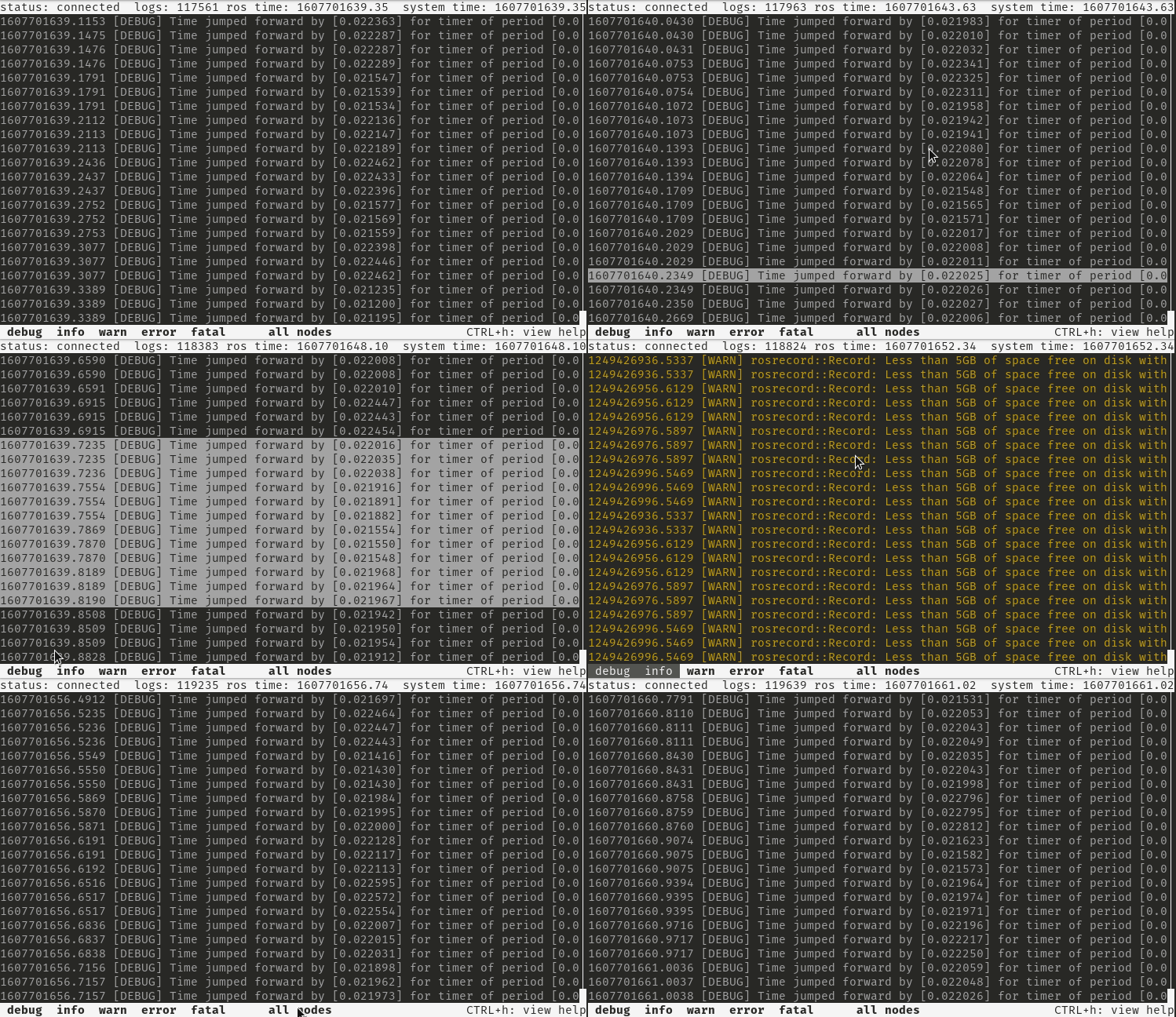
There is limited mouse support for selecting log messages and enabling/disabling the log level and node filters. Due to a bug in the currently distributed version of ncurses, mousewheel scrolling only works in the up direction.
Possible Improvements
Regular expression support
Support loading logs directly from bag files
Refine UI design and keybindings to be more consistent/intuitive