log_view
- The log_view package provides a ncurses based terminal GUI for
viewing and filtering published ROS log messages.
This is an alternative to rqt_console and swri_console that doesn’t depend on qt and can be run directly in a terminal.
README
log_view
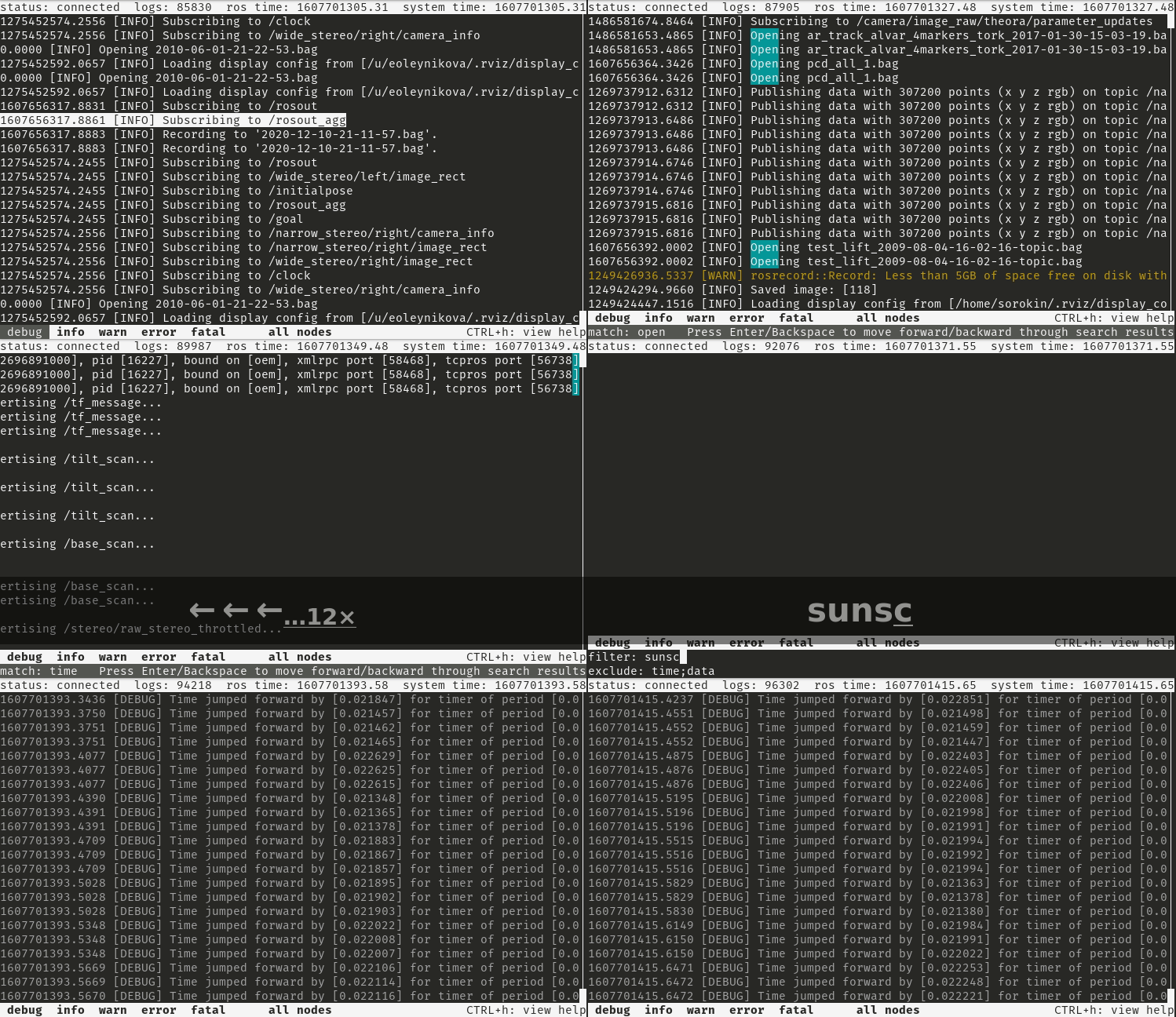
log_viewer is an ncurses text UI for viewing rosout logs.
Motivation
Receive, filter, and navigate through all published rosout log messages from within a terminal to support debugging a robot live.
Problem
Many rosout log messages don’t get printed to the terminal in the normal course when there are lots of nodes/messages. There is also not a convenient way to filter and navigate through them in real time.
swri_console provides most of the desired functionality very well, but is Qt based and requires a graphical interface.
Solution
log_viewer is very similar in concept and design to swri_console, but uses ncurses instead of Qt for the interface.
Log messages can be filtered based on:
log level
node
whitelist text filter
exclude text filter
log_viewer also supports text searches and jumping from match to match.
Log messages are copied to the clipboard by selecting them.
Like swri_console, log_viewer doesn’t need ROS to be running to start and will automatically connect/reconnect when it becomes available.
Log Persistence
log_viewer can optionally persist log messages to disk and reload them on startup. This is useful for preserving log history across sessions.
Log files are stored under <workspace>/.log_view/ as timestamped text files
(log_view_YYYYMMDD_HHMMSS.log), where <workspace> is derived from the COLCON_PREFIX_PATH
environment variable set when a ROS 2 workspace is sourced. This keeps logs isolated per
workspace. The format is human-readable and can be inspected with standard tools such as cat,
grep, and less.
Persistence is automatically disabled if COLCON_PREFIX_PATH is not set or does not point to
a valid directory.
Session boundaries are marked in the log with separator lines:
-------- Session Started At 2026-05-04 09:15:00 --------
-------- Recording Ended At 2026-05-04 09:47:23 --------
Log persistence is configured in the preferences panel (CTRL-k):
Setting |
Description |
|---|---|
Persist Logs to Disk |
Enable/disable saving and loading logs |
Log Rotate Size |
Start a new file after this size (1–100 MB) |
Max Total Log Size |
Delete oldest files to stay under this limit (10 MB–1 GB) |
Clearing the message history (CTRL-r) also deletes all persisted log files.
Keybindings
CTRL-c       Exit log viewer
CTRL-h       Show/hide help screen

Up Arrow     Scroll up
Down Arrow   Scroll down
Left Arrow   Scroll left
Right Arrow  Scroll right
Page Up      Scroll up a screen
Page Down    Scroll down a screen
Home         Scroll to first message
End          Scroll to last message and follow

Tab          Change focus to next input

F1           Show/hide debug level
F2           Show/hide info level
F3           Show/hide warning level
F4           Show/hide error level
F5           Show/hide fatal level
F7           Enable/disable node filter
CTRL-a       Select all log lines and copy to clipboard
CTRL-d       Show/hide message details
CTRL-e       Enable/disable text exclude filter
CTRL-f       Enable/disable text include filter
CTRL-i       Invert node selection
CTRL-k       Show/hide preferences
CTRL-n       Show/hide node selection
CTRL-r       Clear message history
CTRL-s       Search for matching string
Preferences
The preferences panel (CTRL-k) provides the following settings:
Setting |
Description |
|---|---|
Timestamp Format |
|
Persist Filter Settings |
Save and restore filter state across sessions |
Persist Logs to Disk |
Save log messages to disk and reload on startup |
Log Rotate Size |
Maximum size of a single log file before rotation |
Max Total Log Size |
Maximum total disk usage across all log files |
Mouse Support
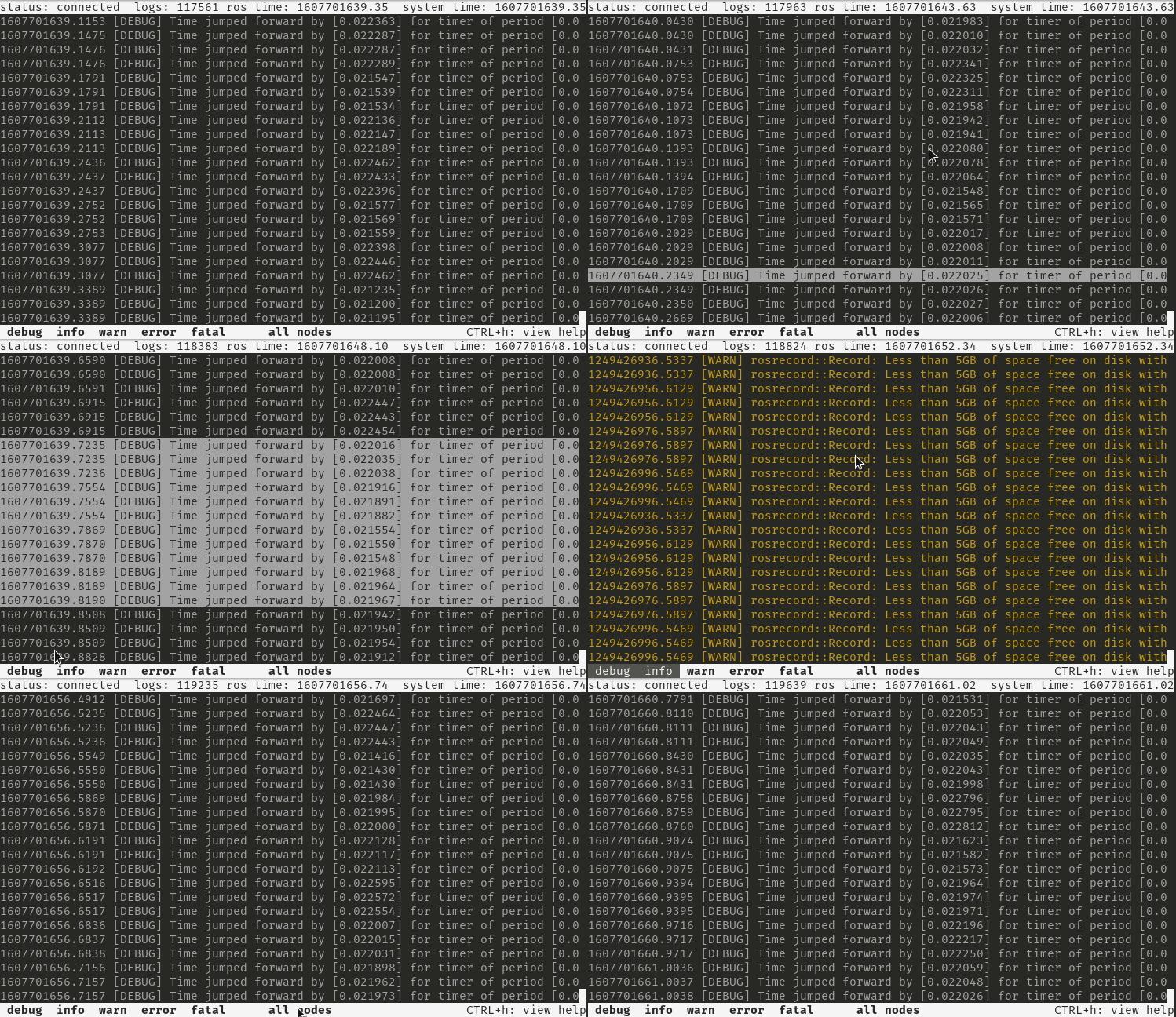
There is limited mouse support for selecting log messages and enabling/disabling the log level and node filters. Due to a bug in the currently distributed version of ncurses, mousewheel scrolling only works in the up direction.
Possible Improvements
Regular expression support
Support loading logs directly from bag files